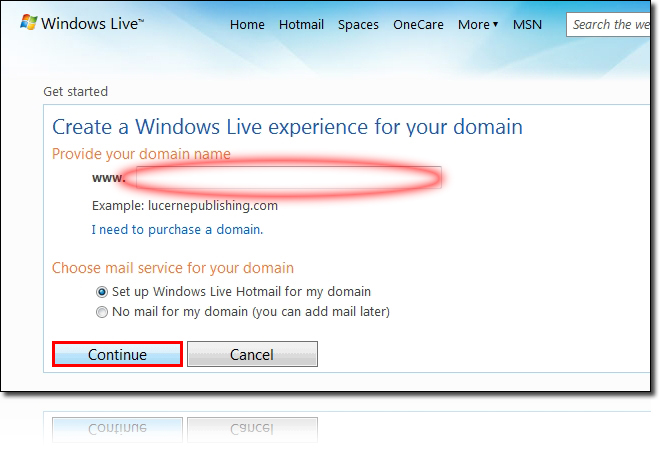
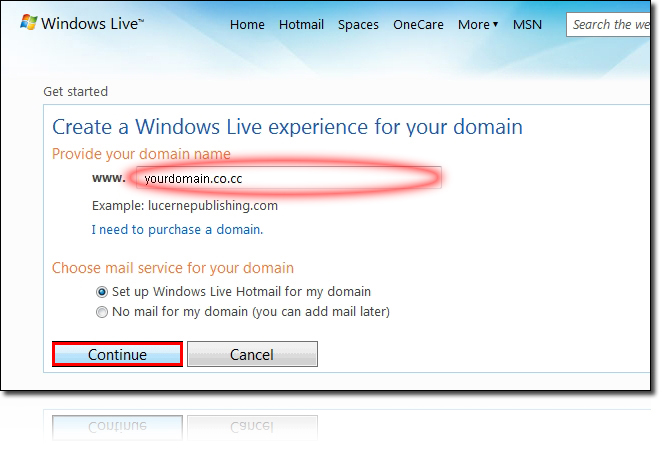
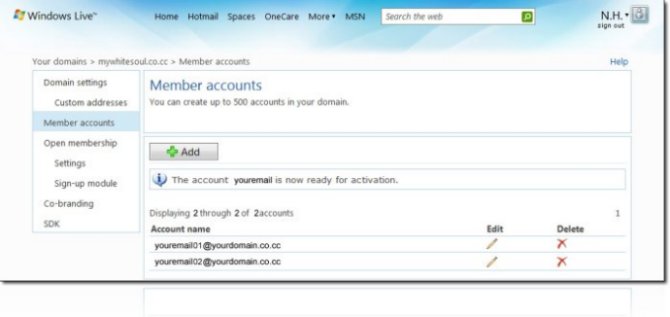
Step 0. What you need to Get started. - co.cc domain name - Window Live ID Step 1. domains.live.com ? Click "Get Started " Box ? Enter Your domain (New to Admin center)
Step 2. Choose mail service for your domain (set up windows Live Hotmail for my domain) ? Continue ?
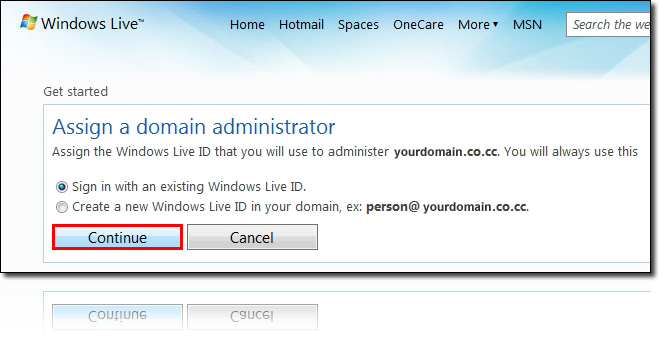
Step 3. In case you have Window live ID, Choose "Sign in with an existing window Live ID" ? Continue ?
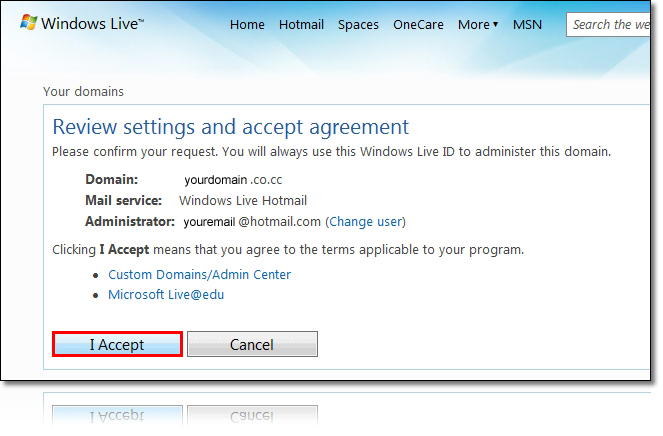
Step 4. Login your ID account ? I Accept ?
Step 5.
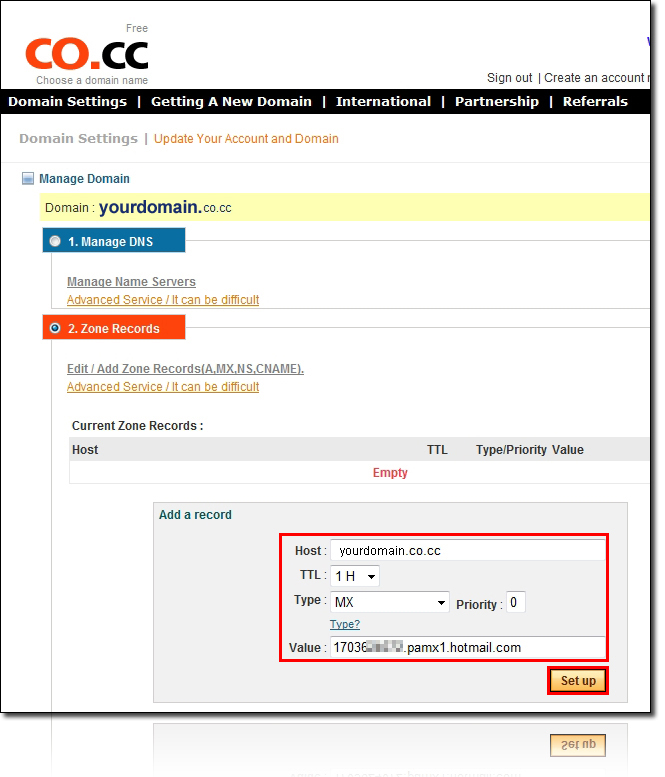
Step 5-1. Co.cc ? Log-in your account ?Domain Settings ? Select domain ? Click "Set up" box ? Zone Records ? Configure MX record as Step 5? Click "Set up" button ? Wait for about 30 minutes ?
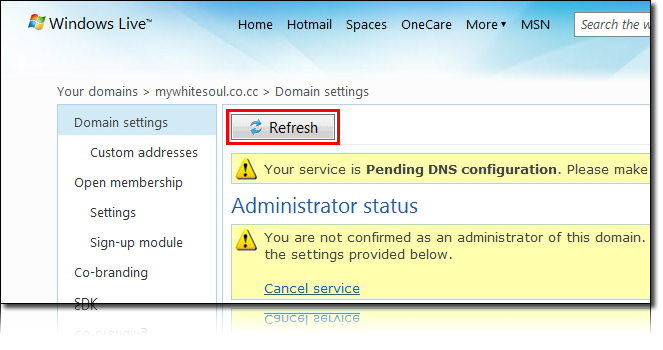
Step 5-2. After 30 minutes ?Click "Refresh" button